Back to Blogs

August 26, 2026

Your Marketing Is Only As Good As The Website It Points To

Featured article image

If there’s anything plaguing multifamily, it’s outdated websites.

I’m not saying this is anyone’s fault. It’s just the nature of what happens when you have so many different apartment communities or a handful of small multifamily properties and not enough people to update the websites.

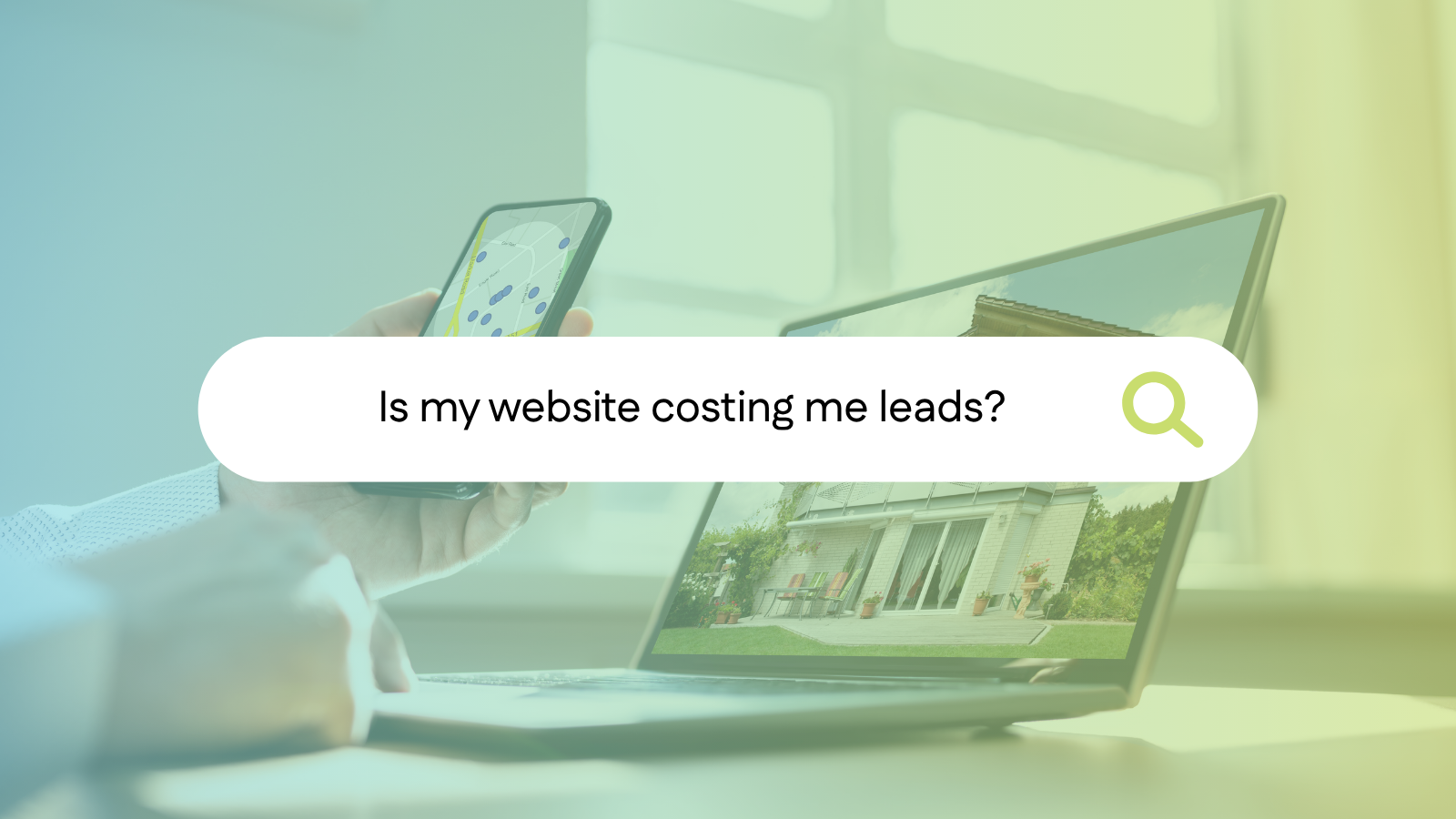
What’s often put on the back burner causes deeper issues because you spend your budget on lead generation, pay-per-click (PPC), Google Ads, SEO, social ads, listings, and they’re all sending renters to your website. So if it’s slow or outdated, then people are going to turn away.

And it works the other way too. When a site loads fast, looks current, and answers the questions renters have, you get more leads and more leases out of the same traffic. A dated website makes a renter wonder what else hasn’t been updated lately. A fast, modern website makes the property feel like it’s run by people who are paying attention.

So how do you fix this?

Start with site speed and design

Test your own site the way a renter would. Pull it up on your phone, and time how long it takes to load.

Then look at the design. Stock photos of a family that isn’t your resident. A layout that looks like 2016. Text over a hero image nobody can read on a phone. Renters are comparing you to two or three other properties in other tabs, and your first impression makes all the difference in whether or not they decide to tour with you.

A lot of this comes down to what your site is built on. If your platform is slow no matter what you do, or if adding a content page means opening a ticket and waiting a week, you need to move to a modern platform to get the most out of your marketing budget.

Clear CTAs

Once someone’s on your site and willing to stay, the only thing left is to make it easy to act.

Every page a renter can land on should have a clear path to:

  • View available apartments, homes, or floor plans
  • Schedule a tour
  • Call the leasing office, with click-to-call on mobile
  • Start an application

That sounds obvious. It’s also the thing that breaks most often, usually because the site grew page by page over a few years and nobody looked at it as a whole. Check your floor plan pages specifically. That’s where renters get serious, and it’s frequently where the tour button disappears.

If a page has no next step, it’s a dead end you’re paying to send people to.

Answer the questions renters are asking

Renters want to know four or five things. What’s available. What it costs. Do you take my dog, and how big can he be. What does parking really cost. Can I see it Saturday.

If those answers aren’t easy to find, most people don’t call to ask. They go back to the property that already told them. So put it on the page: pet policy with the weight and breed rules, parking with the fees, lease terms, income requirements, move-in details, office hours. An FAQ section is one of the easiest places to do this, and renters use it.

While you’re in there, cut the filler. “Luxury living.” “Modern amenities.” “Convenient location.” Every competitor in your submarket has the same sentence on their site, which means it tells a renter nothing and gives search engines nothing to work with either. Say the specific thing instead. That two-bedroom that works for roommates. The bus line two blocks away. The dog park. Specific content helps people decide, and it happens to help you get found.

Make sure search and AI tools can read your property

Renters aren’t only on Google anymore. Plenty of them start by asking ChatGPT, Gemini, Perplexity, or Google’s AI results for something like a two-bedroom near a specific hospital under a certain rent that allows a large dog. Those tools answer from sources they can read.

Which brings up something most property teams have never been told. If your pricing and availability display inside a third-party widget or iframe, that content generally isn’t associated with your website at all. Your rents, floor plans, and unit details are visible to a person looking at the page and effectively invisible to anything trying to read it. Your most specific, most useful information is the part that doesn’t count.

You can check this yourself in about a minute. Open a floor plan page, view the page source, and search for a rent number. If it’s not there, it’s not readable.

Nobody can promise you a Google ranking or a mention in an AI answer, and I’d be careful with anyone who does. What you can control is whether your site is fast, well structured, and thorough enough to be the best source of information about your own property. That’s most of the job. At Respage, we have brand new website technology designed to fix the problems explained above, and also help you become visible on AI search and chats. It's a new website platform for multifamily, built so pages load fast on mobile, floor plans and availability are easy to access more quickly, and the details renters ask about are marked up in a format AIs can read. 

Where to start

Like I said before, run the test yourself first. Count the taps. If that’s annoying for you, it’s worse for someone with two other tabs open and twenty minutes to spare. Next step is to ensure your website is modern, fast, and up-to-date. If you don’t know where to start, we can help.

We’ll audit your current site at no cost and tell you what we find. Speed, mobile experience, content depth, structured data, and whether search engines can read your availability. And if your site is in good shape, we’ll tell you that too. Schedule an audit.

Lauren Hoover

Lauren Hoover

Lauren Hoover is a data-driven, AI-enabled marketer with 7+ years of experience driving growth across fintech, SaaS, and AI organizations. She specializes in developing high-converting, persona-driven content strategies that align closely with sales to accelerate pipeline and revenue. Known for bridging strategy and execution, Lauren brings a results-oriented mindset to every stage of the marketing funnel. She is a 2020 graduate of Penn State Brandywine.

Categories: